Labels & Identification
Your Thermal Transfer Labels Look Fine. So Why Won’t They Scan?
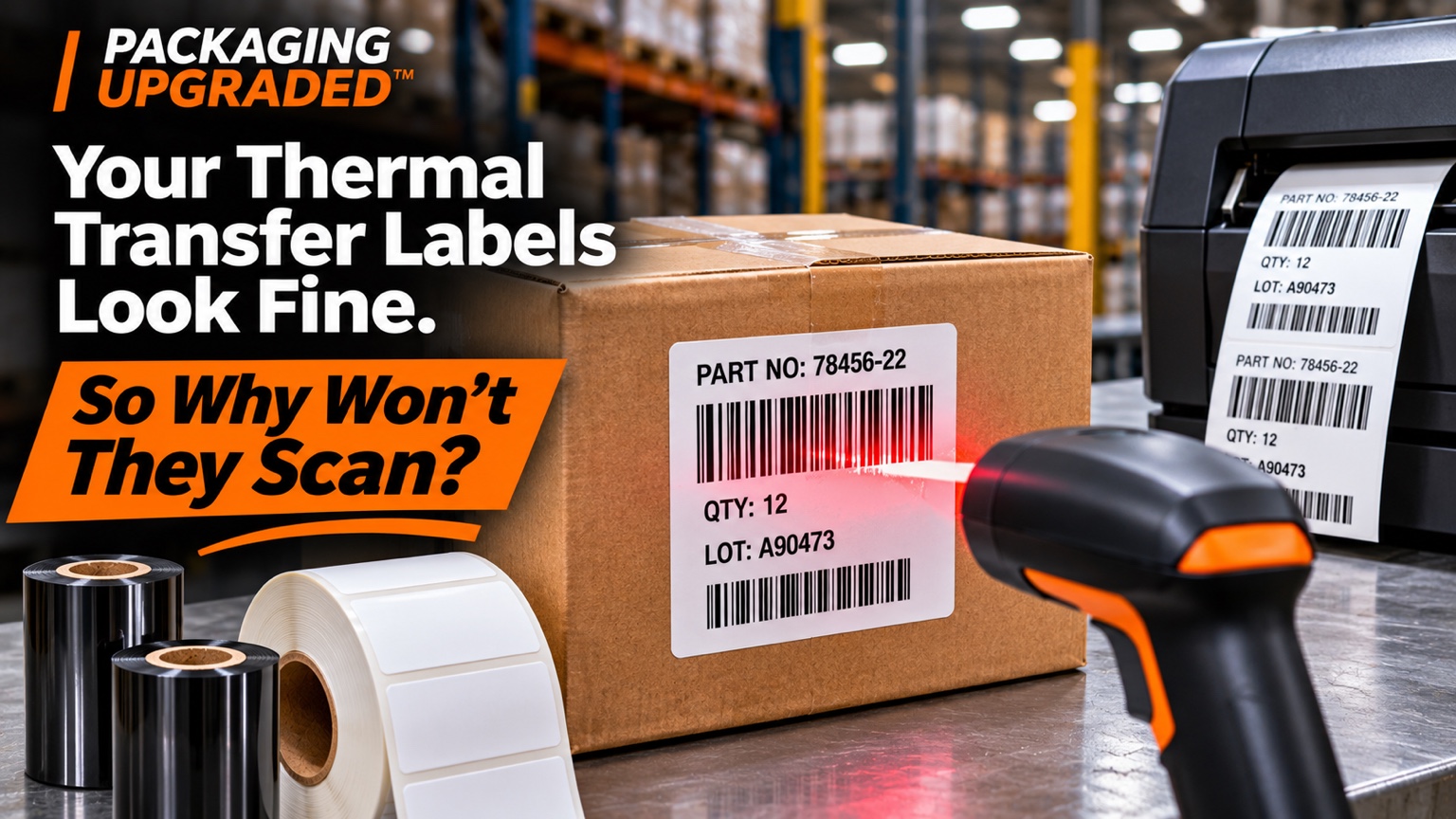
A barcode label can look perfectly acceptable to the human eye and still create expensive problems everywhere else.
The label prints.
The barcode looks dark enough.
The text is readable.
The rolls fit the printer.
At first glance, everything seems fine.
But then the labels reach the warehouse floor, the production line, or a customer’s receiving operation.
Now scanners hesitate.
Operators rescan the same label two or three times.
Some labels scan at one facility but not another.
Others work when they’re first applied, then become difficult to read after handling, temperature changes, abrasion, or time in storage.
That’s when a routine label order becomes an operational problem.
For manufacturers, co-packers, and distribution operations, barcode labels aren’t just printed stickers. They are part of the information flow that keeps product moving accurately through the system.
And when those labels don’t scan consistently, the cost goes far beyond the price per roll.
A Label Can Look Fine and Still Fail
One of the biggest misconceptions in packaging and operations is that if a barcode label looks good, it should work.
Not necessarily.
Barcode performance depends on much more than whether the print appears dark and clear.
A label may look acceptable on a desk under normal lighting conditions while still having problems with:
- insufficient contrast between bars and background
- poor ribbon-to-label compatibility
- print energy settings that create inconsistent image quality
- barcode size or density issues
- adhesive performance in the actual application environment
- smudging, scratching, or abrasion after printing
- curved, rough, cold, dusty, or moist application surfaces
- scanner limitations or scan-angle inconsistencies
That means the failure may not become obvious until the label is already in use.
Why Barcode Scan Failures Matter More Than Most Buyers Realize
A label that doesn’t scan properly can create a chain of small problems that quickly become expensive.
An operator stops and rescans.
A forklift driver pauses because a pallet label won’t read cleanly.
A case gets rerouted for relabeling.
Shipping confirms the item manually instead of through the normal system.
Inventory accuracy depends more heavily on human intervention.
Customer receiving teams experience friction.
None of those moments may seem significant on their own.
But repeated across thousands of labels, they create labor waste, delays, frustration, and unnecessary risk.
The actual purchase price of the label may be low.
The cost of poor scanning performance often isn’t.
What Usually Causes Thermal Transfer Label Scanning Problems?
Thermal transfer label performance is influenced by several variables working together.
That’s why switching only one component without understanding the application can create new issues.
Here are the most common causes.
1. Ribbon and Label Material Don’t Work Well Together
Thermal transfer printing depends on compatibility between the ribbon and the label surface.
Wax, wax-resin, and resin ribbons do not perform the same way.
Likewise, paper and film label materials behave differently depending on the printing conditions and end use.
A ribbon that performs adequately on one label stock may produce weaker image durability or inconsistent barcode edges on another.
This is especially important when labels need to resist abrasion, moisture, chemicals, refrigeration, or rough handling.
2. Print Settings Aren’t Optimized
Even the right ribbon and label combination can underperform if the printer settings are wrong.
Excessive heat can distort bar edges or damage the ribbon image.
Insufficient heat can produce weak or incomplete print transfer.
Print speed also matters.
A label that looks acceptable at a glance may still have inconsistent bar definition that reduces scanning reliability.
3. Barcode Design Is Too Dense or Too Small
Sometimes the issue isn’t the label material at all.
The barcode itself may be too small, too dense, or poorly matched to the scan environment.
If the barcode size is pushed too aggressively to fit limited label space, scanning performance can suffer.
The label may still “look fine” to a person reading the printed information while remaining less forgiving for scanning equipment in real use.
4. The Application Surface Creates Problems
Barcode performance doesn’t end at the printer.
What the label is applied to matters.
A clean, flat corrugated case presents a different condition than a curved bottle, flexible pouch, cold surface, dusty bag, or shrink-wrapped pallet.
Surface texture, moisture, dust, temperature, and curvature can all affect label adhesion and readability.
If the label lifts, wrinkles, tunnels, or flags after application, barcode performance can deteriorate quickly.
5. Handling and Distribution Damage the Printed Image
Some labels scan perfectly right after printing but lose performance later.
That can happen when the printed image gets rubbed, scratched, scuffed, or exposed to environmental conditions that the original ribbon-label combination wasn’t chosen to withstand.
A barcode label that survives the printer still has to survive the operation.
The Hidden Cost of “Good Enough” Labels
Consider a hypothetical operation printing 8,000 barcode labels per day.
If just 2% of those labels require an additional 10 seconds of manual intervention because of scanning problems, that equals:
- 160 problem labels per day
- 1,600 extra seconds per day
- approximately 26.7 extra labor minutes per day
- more than 11 additional labor hours per month over a 25-day operating month
That example doesn’t include relabeling, shipping delays, inventory corrections, customer complaints, or downstream receiving issues.
It only illustrates how a small percentage of scanning failures can create recurring labor waste.
The exact cost will vary by operation, but the principle is the same:
A barcode problem doesn’t need to be catastrophic to be expensive.
Five Questions Purchasing and Operations Should Ask Before Reordering Labels
When a company is reordering thermal transfer labels, the discussion often starts with price.
That makes sense.
But if scanning performance is inconsistent, there are better questions to ask before approving the next order.
1. What environment does the label actually need to survive?
Warehouse labels, freezer labels, production labels, pallet labels, and shipping labels may all require different constructions.
Temperature, abrasion, exposure, and surface conditions matter.
2. What ribbon is being used with the label?
A label supplier should understand the printer platform, ribbon type, and end-use environment.
The best label material on paper may still underperform if it is paired with the wrong ribbon.
3. Are printer settings part of the issue?
If multiple facilities are printing the same label, inconsistent printer settings can create different results even with identical supplies.
4. Are the barcodes designed for the actual scanning conditions?
Label layout, barcode size, quiet zones, and placement should support how the label will really be scanned in the operation.
5. Have the labels been evaluated in the real application, not just at the printer?
A test label should survive printing, application, handling, storage, transportation, and scanning in the real environment.
A label that scans once on a bench test is not the same as a label that scans reliably in actual use.
Why Procurement Should Treat Labels Like an Operational Component
For some buyers, labels are treated like a low-cost consumable.
But in many operations, they function more like a control point.
They connect the physical package to the data system.
If the label doesn’t perform, the operation slows down.
That’s why purchasing teams should evaluate thermal transfer labels in the context of the actual workflow:
- What is being labeled?
- Where is it being scanned?
- How long does the label need to remain readable?
- What environmental conditions will it face?
- What ribbon, printer, and scanner combination is being used?
Those answers matter more than choosing the cheapest available roll.
Where Packaging Upgraded Fits
At Packaging Upgraded, we supply thermal transfer and custom printed labels for real operating environments.
That includes evaluating label material, printer compatibility, barcode performance, and application conditions so buyers are sourcing labels that work in the operation, not just labels that look acceptable when they come off the printer.
If your team is dealing with rescans, inconsistent scan performance, label durability issues, or uncertainty around the right ribbon-label combination, those are sourcing and specification issues worth reviewing.
You can also explore our Thermal Transfer & Custom Printed Labels page for more information on label supply options and recurring commercial programs.
Before You Reorder, Ask Whether the Label Is Really Working
If the label prints, sticks, and looks readable, it’s easy to assume the job is done.
But if operators are rescanning, relabeling, or troubleshooting barcode issues, the label may be costing more than it appears.
That’s why the right question isn’t just:
“How much do these labels cost?”
It’s also:
“How well do they perform in the operation?”
If your current barcode labels are creating friction in production, warehousing, or shipping, it may be time to review the material, ribbon, print settings, and application conditions together.
Share your current label application, printer platform, and operating environment.
Request a Packaging Efficiency ReviewThe label may look fine.
But that doesn’t mean it’s working as well as it should.
Packaging Upgraded | Packaging Engineered for Distribution